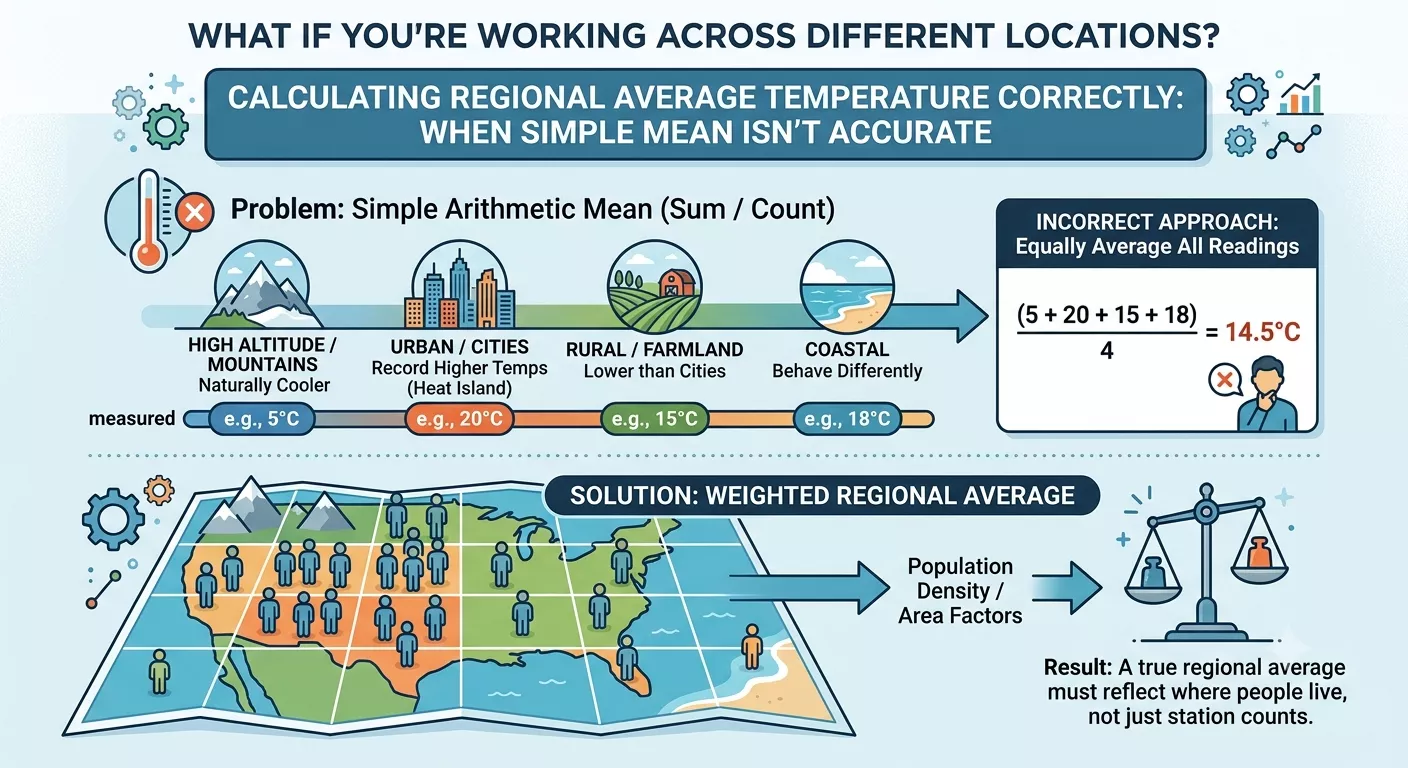
Scheduling a meeting used to involve a lot of back-and-forth messages. Someone proposes a time, the other person checks their calendar, then both realize they’re in different time zones. That small detail turns a simple meeting into a guessing game. Tools like Calendly changed that process by handling the scheduling automatically. People often compare small automated utilities the same way they rely on quick tools like a bmi calculator you enter information and the result appears instantly.
Calendly follows a similar idea for meeting scheduling. Instead of calculating numbers, it calculates availability across locations. lets, learn Calendly Automatically Convert Time Zones or not.
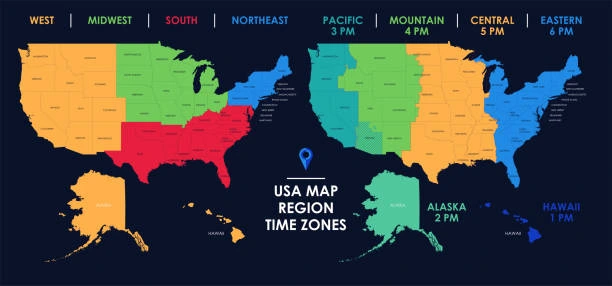
For people working with international teams, the biggest question usually isn’t about booking links or calendar integrations. It’s about time differences. When someone sends a meeting invitation across countries, they want to know whether the platform adjusts the time automatically or if each participant has to figure it out themselves.
Table of Contents
Does Calendly Automatically Convert Time Zones?
The short answer is yes. calendly automatically convert time zones for both the host and the invitee. The system checks the participant’s device settings and browser data to determine their local time zone. Once detected, the platform adjusts the available meeting slots so each person sees the correct local time.
This automatic time zone conversion removes the need for manual calculations. Someone scheduling a meeting from New York might see an available slot at 10:00 AM, while a participant in London sees the same slot displayed as 3:00 PM.
The feature is built into Calendly scheduling, which relies on automatic time zone detection and calendar synchronization.
| Host Location | Participant Location | Displayed Time |
|---|---|---|
| New York (EST) | London (GMT) | 10:00 AM → 3:00 PM |
| Berlin (CET) | Los Angeles (PST) | 4:00 PM → 7:00 AM |
| Dubai (GST) | Singapore (SGT) | 2:00 PM → 6:00 PM |
This adjustment happens automatically through the Calendly meeting scheduler, reducing confusion during global scheduling.
Why time zone automation matters in scheduling
Working across countries has become normal for many teams. Freelancers collaborate with companies overseas. Remote employees join meetings from different continents. Without automatic time zone detection, scheduling quickly becomes complicated.
Imagine coordinating a meeting between three people in different locations. One person calculates the time difference incorrectly. Another forgets about daylight saving changes. Suddenly the meeting starts with half the participants missing.
That situation is exactly what calendar scheduling software like Calendly tries to prevent.
When scheduling tools detect local time automatically, they simplify remote meeting scheduling across different regions. Some people still double-check conversions using quick utilities like a <b>percentage calculator</b>, especially when comparing time differences or calculating overlapping work hours.
How Calendly detects participant time zones
The platform determines the invitee’s location through several technical signals. The first source is the browser. Most browsers send location data or time zone information through system settings.
The second method involves IP-based location detection. When someone opens a scheduling link, Calendly checks the regional settings connected to their internet connection.
Finally, the system compares these signals with the user’s calendar settings. If the invitee uses Google Calendar, Outlook, or another integrated calendar service, the time zone stored in that calendar becomes the reference. This layered approach helps the system avoid errors when performing time zone conversion.
| Detection Source | How It Works |
|---|---|
| Browser settings | Reads local time zone from the device |
| IP location | Identifies geographic region |
| Calendar integration | Confirms time zone from connected calendar |
These checks help maintain accurate meeting time zones for both participants.
Calendly scheduling and global teams
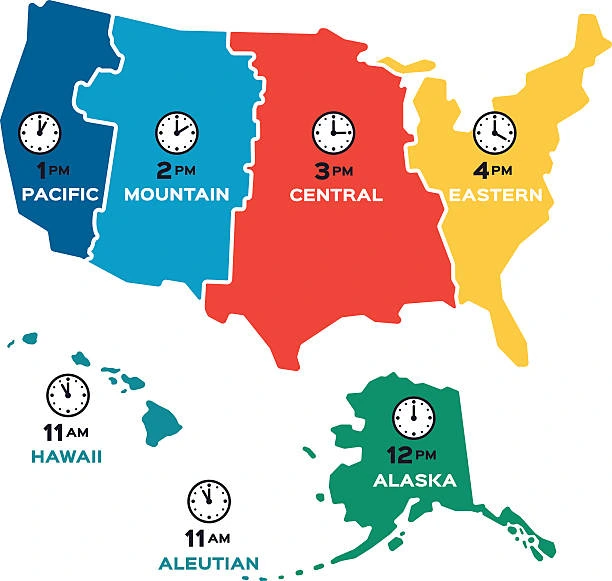
The growth of remote work pushed scheduling tools to improve global coordination. A single team might include developers in Asia, designers in Europe, and managers in North America.
In those situations, an online scheduling tool becomes essential. Without automation, someone would have to manually calculate the time difference for every participant.
Calendly’s system handles this by presenting time slots adjusted to the viewer’s region. The host sets availability once. The platform handles the rest. That’s one reason many companies rely on Calendly scheduling for international collaboration.
When people still use manual time zone tools
Even though Calendly performs automatic adjustments, some users still verify meeting times. This happens especially when scheduling large events or coordinating across many regions.
People often check the meeting time using a timezone converter to confirm that the automated system matches their expectations.
Manual verification sometimes helps when daylight saving changes occur. Different countries switch clocks on different dates, which occasionally causes confusion in meeting time zones. Still, most users find that Calendly’s automatic system handles these changes correctly.
Situations where time zone confusion can still happen
Automation reduces mistakes, but it doesn’t eliminate them entirely. Occasionally users encounter situations where the displayed time doesn’t match expectations.
Some common reasons include:
| Issue | Explanation |
|---|---|
| Incorrect device time | The user’s computer clock is wrong |
| VPN usage | Location detection changes |
| Outdated calendar settings | Calendar account uses incorrect zone |
| Browser restrictions | Privacy settings block location data |
When these issues appear, the Calendly meeting scheduler may show incorrect times. Adjusting device settings or verifying the calendar time zone usually resolves the problem.
Comparing scheduling automation with other online tools
Automation has become common in digital tools. Many platforms simplify calculations or conversions the way scheduling tools simplify meeting planning.
For example, someone converting measurements might use a length converter instead of calculating manually. Scheduling software follows a similar logic. It removes the need to manually translate meeting times across regions. This shift toward automation is one reason online scheduling tools continue gaining popularity.
Calendly time zone conversion in international meetings
One of the biggest advantages of the platform appears when scheduling international calls. Teams operating across continents rely on Calendly time zones to avoid mistakes.
The system automatically adapts meeting availability depending on the viewer’s location. Even if five participants join from different regions, each person sees the meeting time adjusted for their own clock.
Occasionally, someone may verify calculations using tools similar to a number base converter, which again reflects the same concept: automated systems simplify complex conversions. Calendly simply applies that idea to scheduling.
How hosts manage time zone settings
Hosts also control how their availability appears. Inside the platform’s settings, users can define their primary time zone. That setting becomes the baseline for all availability.
The platform then performs Calendly time zone conversion for international meetings whenever participants view the booking page.
Hosts can also override the detected zone manually if necessary. Some companies set a standard time zone for all scheduling, especially when coordinating teams across multiple offices.
Why Calendly shows different time zones to users
Sometimes participants notice that two people see different times on the same meeting page. This behavior is intentional.
The platform detects the viewer’s region and converts the available slots accordingly. That means the host sees one set of times while the invitee sees another. This approach prevents miscommunication during global scheduling. Without this feature, users would constantly need to translate time differences themselves.
The role of time zone automation in remote work
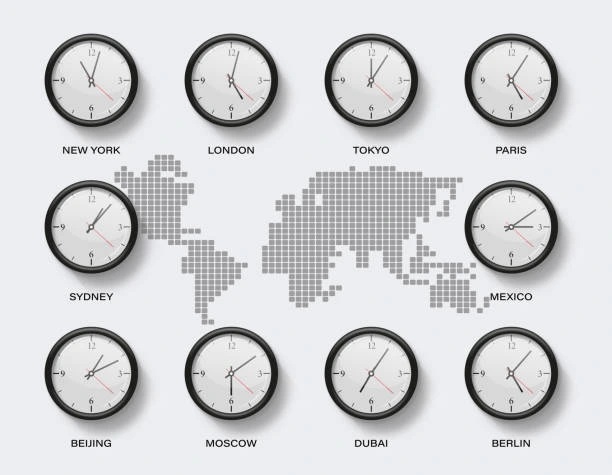
Remote work increased the importance of scheduling technology. When colleagues operate across several countries, even a small scheduling error can disrupt a project timeline.
Tools designed for remote meeting scheduling must adapt to different time zones instantly.
Calendly’s system solves this by combining calendar integration, automatic detection, and dynamic time conversion. The result is a scheduling experience where participants rarely need to think about time differences.
Why scheduling automation keeps improving
Digital tools continue evolving as remote collaboration grows. Scheduling platforms now integrate with email, messaging apps, and video meeting software.
The same system that detects Calendly time zones also triggers calendar invitations and meeting links automatically. This automation reduces administrative work for teams that schedule dozens of meetings each week. As the remote job market expands, these tools become part of everyday workflow.
Final thoughts
People asking does calendly automatically convert time zones usually want reassurance that meetings won’t get mixed up across countries. In most cases, the platform handles those adjustments without any manual effort.
The system detects location through browser settings, calendar integrations, and network data. Once the time zone is identified, it adjusts available meeting slots automatically.
For individuals working with international teams, that feature saves time and reduces confusion. Instead of calculating differences manually, users rely on the scheduling platform to display accurate meeting times for every participant.
As remote work continues spreading across industries, tools that simplify time zone conversion, global scheduling, and online meeting coordination will remain essential parts of modern collaboration.